
Index
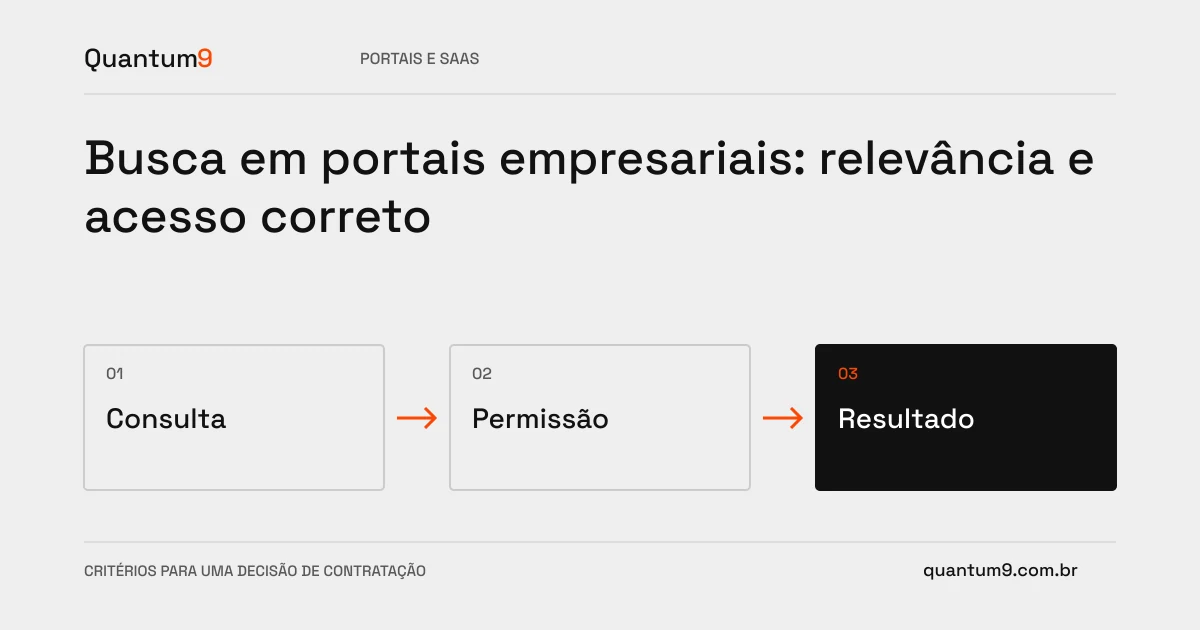
An internal search needs to find the right content without revealing resources from other accounts or areas. Relevance, filters and authorization should be designed together, not just fixed after indexing.
How to evaluate this decision
Identify users' search tasks and vocabulary. Define which entities go into the index, how updates arrive, and what happens to deletions. Authorization must apply to results, sections and counts. Advanced features only make sense when they improve observable tasks, like finding an order by reference used by the customer.
Criteria for comparing proposals
- Vocabulary: consider codes, names and terms used in real operations.
- Update: Set delay tolerance and handling of removed content.
- Permissions: prevent leaks including suggestions, filters and previews.
A scenario to discuss with the supplier
Hypothetical example: a restricted document does not appear as a result, but its title appears in autocomplete. The search still reveals undue information; the same access rule needs to cover suggestions.
What to validate upon delivery
Create representative queries and expected results. Test accounts with different access, updated documents and unmatched searches, evaluating relevance and user orientation.
Prepare the conversation about the project
Quantum9 can design search and indexing for your existing portal. Bring in entities, volume, and hard queries to compare solutions by task quality, not just the presence of a search box.
Development of portals · Map the company's priority