
Index
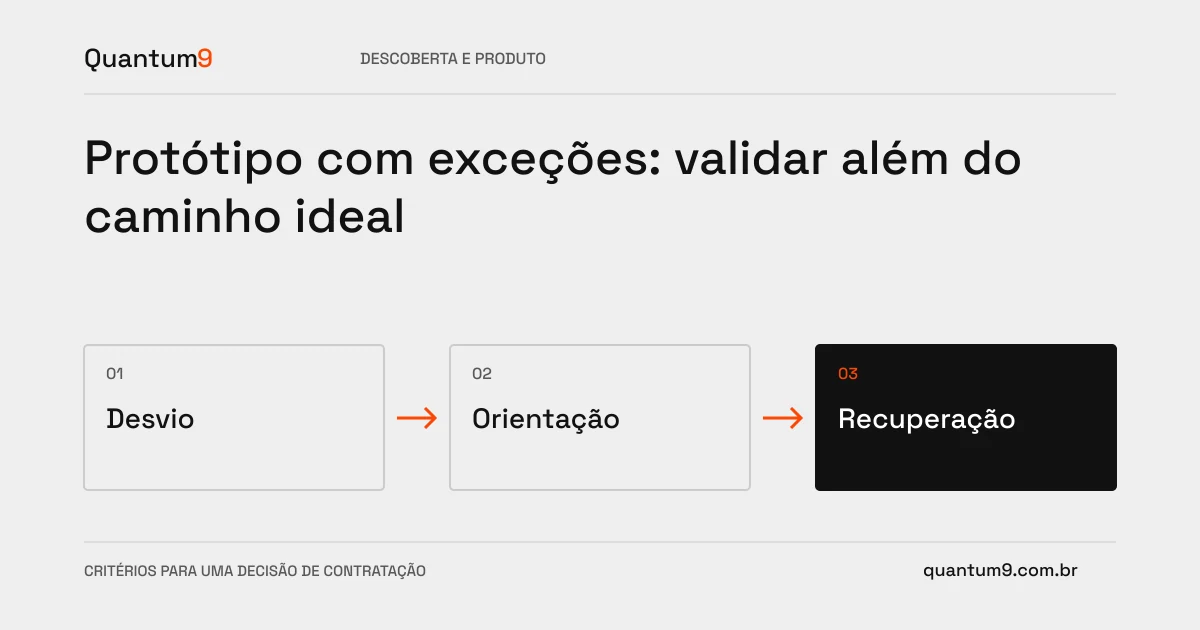
A prototype that only shows successful operation leaves important decisions for development. Errors, cancellations and refused approvals need to appear when they change the experience or business rule.
How to evaluate this decision
Choose exceptions based on impact, not number of screens. A pending payment, an incomplete import, or a revoked permit can change the entire journey. The prototype should show what the person understands, what they can do and what depends on another team. Differentiate visual simulation from technical validation: a working integration screen does not prove that the API is available.
Criteria for comparing proposals
- States: represent loading, no data, failure and success with coherent next steps.
- Recovery: Show whether it is possible to fix, try again, cancel, or request help.
- Rules: document who decides each transition and what happens with the data already filled in.
A scenario to discuss with the supplier
Hypothetical example: a proposal is returned for review after approval from another area. The prototype should explain which approvals are still valid and which need to be redone, rather than just changing the status color.
What to validate upon delivery
Walk through exceptions with operation representatives and record pending decisions. Confirm that the screens allow you to explain the rule without offhand comments from the presenter. Forward technical risks for a specific test.
Prepare the conversation about the project
Quantum9 can prototype the priority journey and its relevant deviations. Bring examples of current failures, roles involved and situations that currently require manual intervention.
Prototyping and validation · Map the company's priority