
Index
Importing a spreadsheet can speed up large orders, as long as the buyer can correct errors before shipping. A technically accepted file does not mean that all items are commercially valid.
How to evaluate this decision
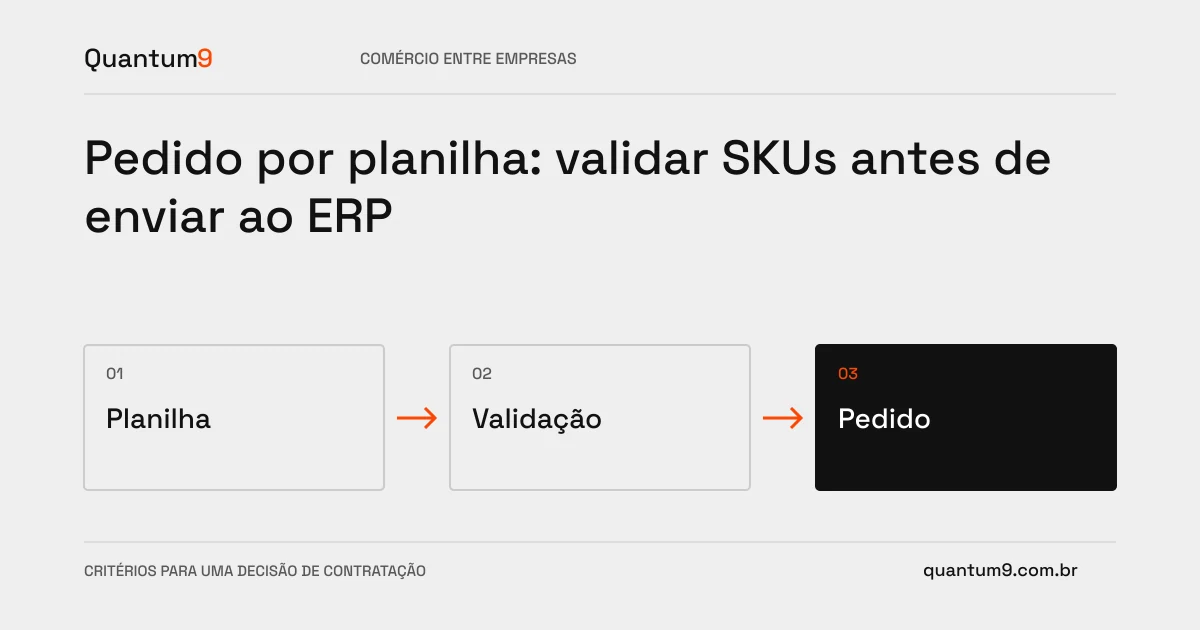
Define columns, identifiers and units. Separate file reading, registration validation and application of commercial conditions. Show errors by line and preserve valid items for correction. Decide whether the request can be partial or whether you need to wait for the entire file to be resolved.
Criteria for comparing proposals
- Format: provide an example and treat separators, codes with zeros and empty cells.
- Validation: identify non-existent SKU, invalid quantity and unavailable item.
- Confirmation: present composition and current values before creating the order.
A scenario to discuss with the supplier
Hypothetical example: The spreadsheet editor removes leading zeros from a code. The import should point out the problem, not silently associate the item with another similar product.
What to validate upon delivery
Test files for duplicates, invalid lines and large volumes. Check that repeating the shipment does not create duplicate orders and that the preview corresponds to the result in the ERP.
Prepare the conversation about the project
Take file, catalog and ordering rules templates to Quantum9. Delivery must include assisted correction and confirmation in addition to upload.
B2B e-commerce · Map the company's priority