
Index
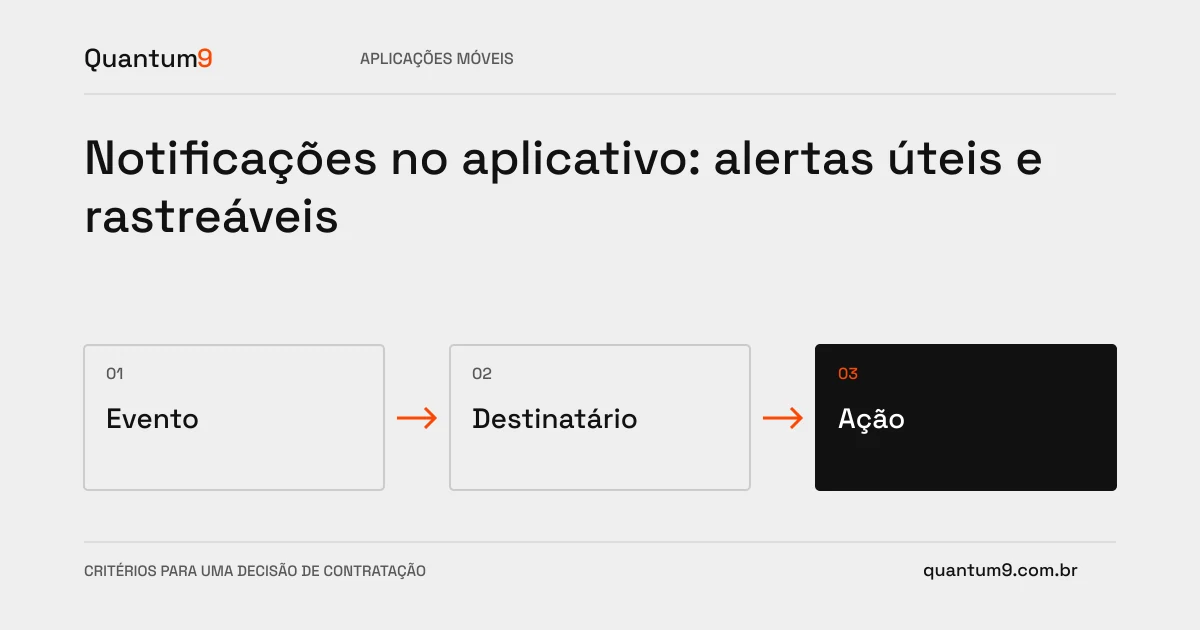
A notification only helps when it reaches the right person in charge and allows them to take action. Sending alerts to everyone can increase interruptions without reducing delays or forgotten tasks.
How to evaluate this decision
Sort events by urgency, recipient, and consequence. Differentiate the creation of the notification, the delivery attempt and the reading; these states are not equivalent. Set preferences and alternatives for when the channel is unavailable. Sensitive information should not appear indiscriminately on the device's locked screen.
Criteria for comparing proposals
- Relevance: relate each alert to an action and avoid repeating the same warning after the task has been resolved.
- Context: opening the correct record, preserving authentication and verifying that the user still has access.
- Tracking: record delivery failures and establish an alternative for really critical events.
A scenario to discuss with the supplier
Hypothetical example: an approval changes the person responsible after sending the alert. When opening the old notification, the user should receive an updated explanation, instead of making a decision that no longer belongs to them.
What to validate upon delivery
Test permissions denied, app closed, user logged out, and event resolved before reading. Check if tapping the alert leads to a valid state. Acceptance of the sending by the provider does not prove that the person read the message.
Prepare the conversation about the project
Quantum9 can specify the events and implement the appropriate channels. Bring alert types, assignees, urgency, and expected volume to scale the solution without turning the application into a source of noise.
Tailor-made development · Map the company's priority