
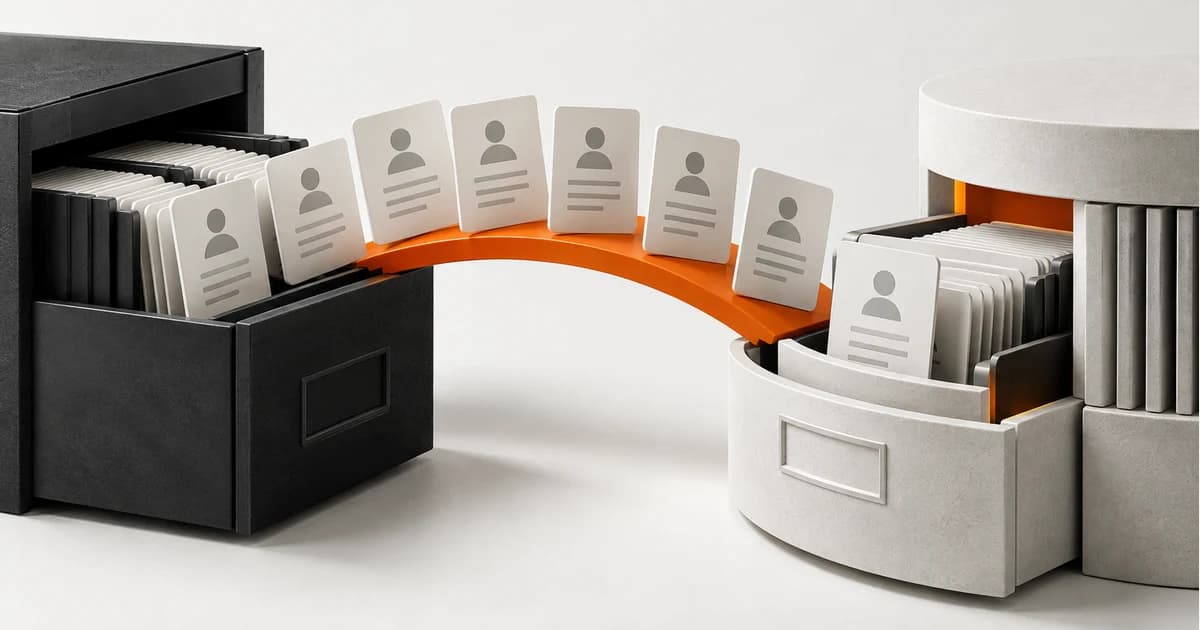
Plan a CRM migration preserving links, activities, responsible parties and commercial stages. See how to check data before disconnecting the previous platform.
Index
Migrating just names and emails can make the new CRM seem complete while the team misses the opportunity story. Hiring needs to consider relationships between companies, people, activities and those responsible. The first step is to define what should remain consultable and what can become a historical archive.
Decision this guide helps you make: Transfer the context of negotiations in addition to the contact list.
Map concepts before fields
Stages, business types and activities may have different meanings for each product. Document the equivalence and necessary transformations. A custom field used for multiple purposes deserves review before import. Preserve source identifiers to track records and investigate differences without relying on names, which may be repeated.
Decide how to treat users and wallets
Disconnected people can still appear as activity authors. Transferring current responsibility should not erase that authorship. Also define access for managers and teams at the destination. Test migration with shared wallets, open-source opportunities, and companies with multiple contacts to avoid simplifications that harm business use.
Run a test load
Choose sample with open trades, won, lost and incomplete records. Compare counts and examine relationships individually. Attachments and notes may require their own export mechanisms. Before confirming the project, check technical limits, licenses and permissions of both platforms, including the possibility of extracting the necessary history.
Organize the operational turnaround
Define when changes to the old system will be stopped or captured for a final load. Have a conference and return plan in case the destination is not ready. Training should use the new process, not just show menus. Maintain historical access for the period defined by the company, with known responsibilities and costs.
- Mapping of concepts and identifiers.
- Sample with complete business relationships.
- Final update plan and conference.
A scenario to check out in the demo
Hypothetical example: two opportunities belong to the same company, but have different contacts and managers. An import that groups everything by company name can mix activities. The test load must preserve each relationship and allow the original identifier to be located. The conference needs to include the seller's view, as a correct total count does not reveal this type of error.
Briefing to request a proposal
- Objects and links that need to remain queryable in the destination.
- History that can be archived without entering the new funnel.
- Cut and process window to capture final changes.
Make the new CRM start with context
Quantum9 can support migration and integrations associated with the business process. Take funnel design, custom fields, and history requirements. The proposal must separate cleaning, transfer and adaptation of the process, as they are different jobs.
Discover the scope of CRM, retention and repurchase and deepen the context in related guide.