
Index
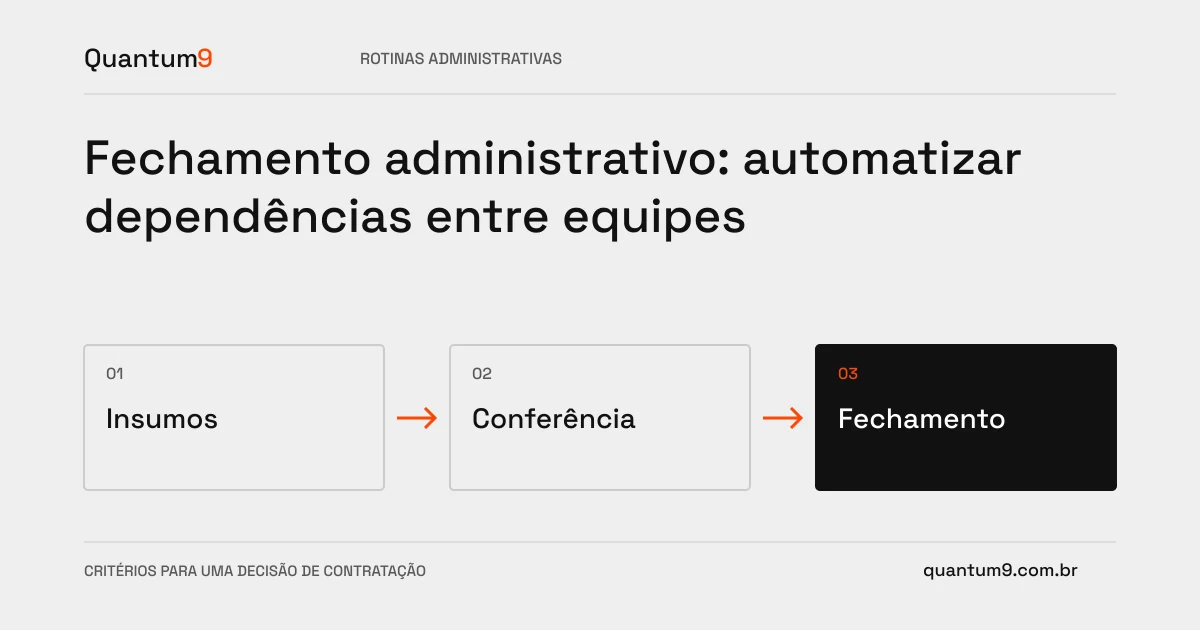
A closure depends on activities that need to occur in the right order. Scanning the task list is of little help if the system does not show dependencies, evidence and those responsible for blockages.
How to evaluate this decision
Map the period, inputs and conditions for completing each stage. Differentiate performed activity from reviewed activity. Changes after approval may invalidate subsequent steps; this must be addressed with controlled reopening. Avoid creating an automation that just sends reminders without explaining what's stopping you from moving forward.
Criteria for comparing proposals
- Dependencies: indicate which deliveries release each task and who is responsible for missing data.
- Evidence: link files or results to the closure version, with appropriate access.
- Reopening: record reason, impact on subsequent steps and new review required.
A scenario to discuss with the supplier
Hypothetical example: a base is corrected after checking another area. The workflow should signal that the previous review may have expired, instead of keeping all items as completed.
What to validate upon delivery
Simulate delay of an input, replacement of person responsible and correction after approval. Check if the panel shows the blocked path and if completing the period requires the mandatory steps.
Prepare the conversation about the project
To design the close with Quantum9, gather the current list of activities, calendar, evidence and main causes of delay. The technical scope must respect the criteria defined by those responsible for the process.
Process automation · Map the company's priority