
Index
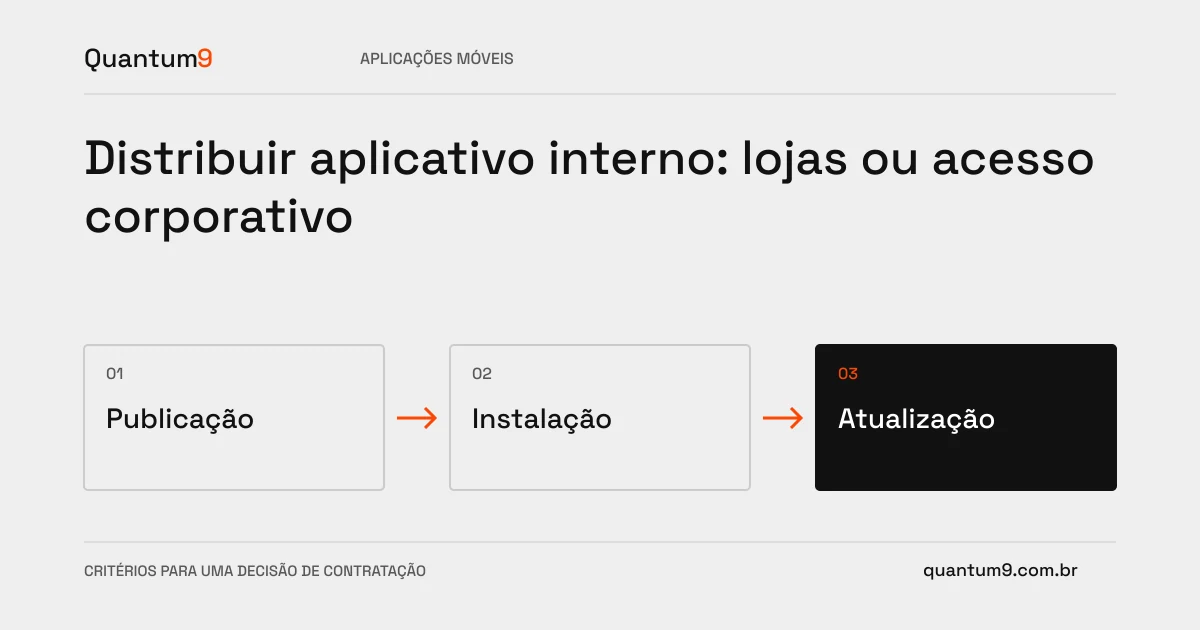
How you distribute an application affects installation, updating, and support. This decision must be entered into the project before launch, especially when the devices are company-owned or have centralized administration.
How to evaluate this decision
Map out who owns the devices and who authorizes installations. Compare the options available in the ecosystems used and confirm their current conditions before contracting. An internal application may have different distribution requirements than a public product. The team needs to know how a new version reaches users and what happens when some remain on previous versions.
Criteria for comparing proposals
- Accounts: define the organization responsible for publishing registrations, access and renewal of necessary services.
- Versions: specify compatibility with the backend and treatment of versions that are no longer supported.
- Support: Prepare installation, diagnostic, and recovery instructions for approved devices.
A scenario to discuss with the supplier
Hypothetical example: a new screen depends on a field created on the server, but part of the fleet has not updated. Distribution must be coordinated with API compatibility to avoid blocking work.
What to validate upon delivery
Perform a pilot deployment using the same path anticipated for production. Test clean install, upgrade, and crash recovery. Record limitations of each platform and the responsibilities that will remain with the customer.
Prepare the conversation about the project
Inform Quantum9 of operating systems, device ownership, number of users and existing corporate controls. The proposal must separate application development from publishing and fleet administration dependencies.
Tailor-made development · Map the company's priority