
Index
Helpful notifications help you act on important changes. Sending all events across all channels creates noise and makes it difficult to distinguish a pending task from follow-up information.
How to evaluate this decision
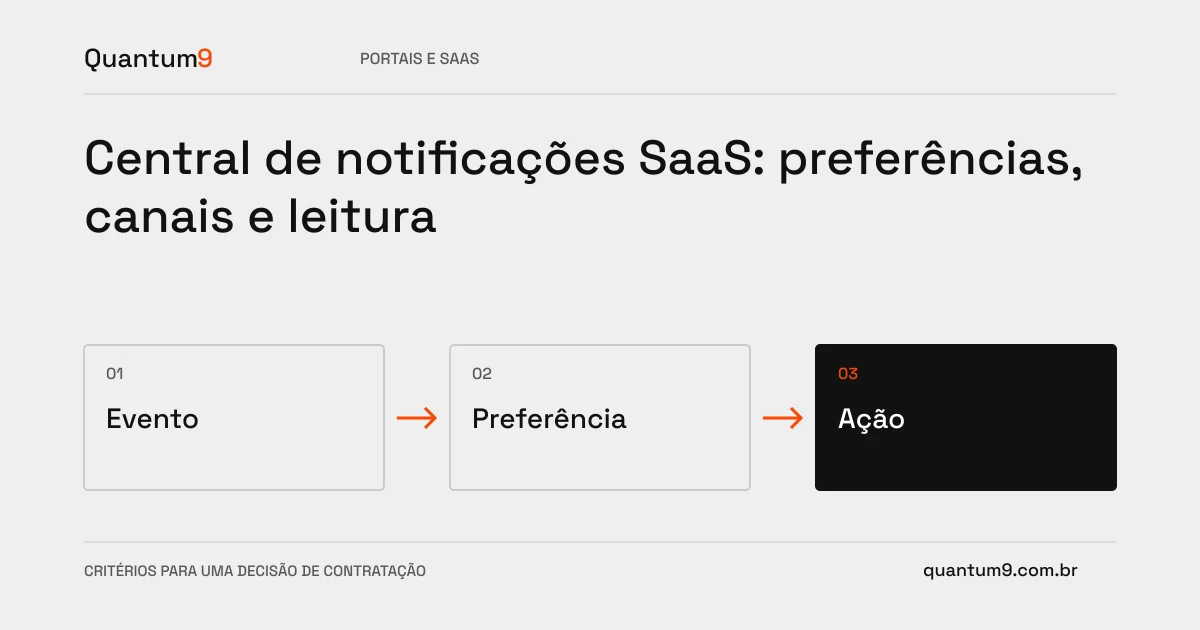
Classify events by purpose and operational urgency. Set allowed preferences, grouping, and destination when opening the message. Differentiate accepted shipment, known delivery and reading on the product; these conditions are not equivalent. The system needs to handle repetition and links to resources that have changed state or are no longer available.
Criteria for comparing proposals
- Relevance: relating each notification to a necessary action or information.
- Preferences: respect options per channel within the product rules.
- Consistency: maintain event identification to avoid unnecessary repeated messages.
A scenario to discuss with the supplier
Hypothetical example: an order changes three times in a few seconds. Three isolated messages can confuse the user; a summary with current status may be more appropriate, as long as it preserves the necessary information.
What to validate upon delivery
Test quick changes, deleted resource and user without permission. Check that the message does not reveal undue data and that opening the notification leads to an understandable destination.
Prepare the conversation about the project
Quantum9 can structure events, preferences and tracking interface. Bring priority channels and tasks to define useful operational communication, with explicit delivery and read limits.
Development of portals · Map the company's priority