
Index
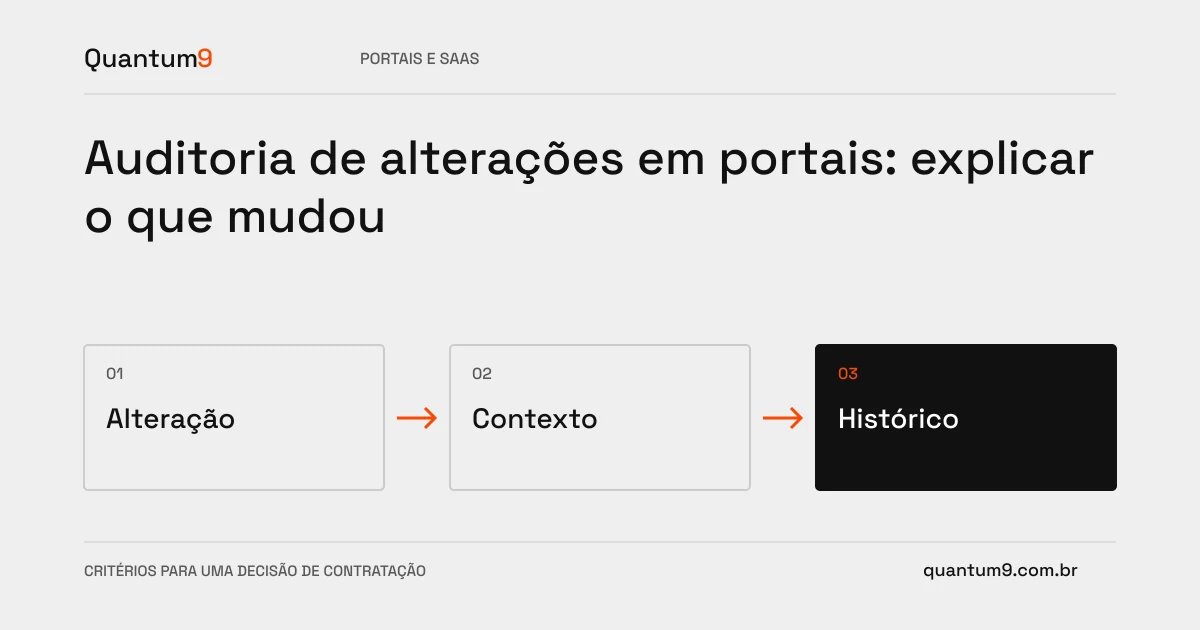
A change trail should help you understand a decision or fix an issue. Simply recording that someone saved a screen does not explain what information was modified and in what context.
How to evaluate this decision
Define relevant events, appropriate actor identification and representation of changes. Avoid copying secrets or unnecessary data to history. Differentiate between human action, integration and automatic process. The query must respect permissions and retention defined by the company, without allowing a common user to delete the record of their own change.
Criteria for comparing proposals
- Context: record the resource, operation and origin necessary for the investigation.
- Content: select useful differences without indiscriminately duplicating sensitive data.
- Query: offering filters and links that allow the sequence to be reconstructed.
A scenario to discuss with the supplier
Hypothetical example: a business condition changes by an integration and then by an operator. Identifying the two sources allows you to understand why the current value differs from that sent by the external system.
What to validate upon delivery
Make known changes and rebuild the sequence using just the track. Check access, operational integrity, and behavior when audit recording fails.
Prepare the conversation about the project
Quantum9 can implement product needs-driven history. Bring critical events and support questions to define a useful trail without presenting common logs as certification or legal assurance.
Development of portals · Map the company's priority