
Index
A portal with many services can be difficult to use even when each page is well designed. The problem usually lies in the way of grouping, naming and finding the options.
How to evaluate this decision
Organize navigation through the public's tasks, without automatically copying the company's organizational chart. Services used by different audiences may need different entrances for the same destination. Map known terms, synonyms and choice criteria. Search and menu must work together: adding a search box doesn't make up for categories that no one understands.
Criteria for comparing proposals
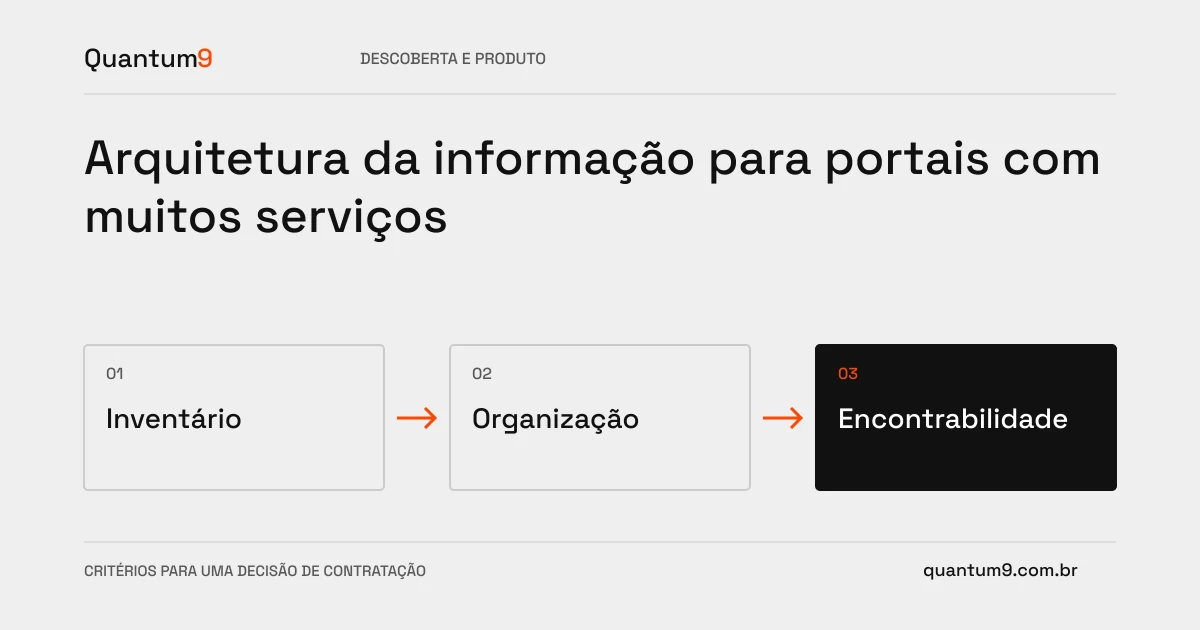
- Inventory: identify repeated pages, discontinued services and content without responsibility.
- Structure: test categories with real tasks, including situations where the user does not know the name of the service.
- Maintenance: define rules for including, renaming and removing items without breaking links and references.
A scenario to discuss with the supplier
Hypothetical example: the user searches for a duplicate, but the portal only displays the name of the financial department. A task-oriented input reduces the need to know the internal structure to obtain the document.
What to validate upon delivery
Test whether participants find destinations without receiving navigation tips. Record incorrect paths and search terms. Delivery must include map, nomenclature, correspondence between old and new URLs, and criteria for expansion.
Prepare the conversation about the project
To discuss the reorganization with Quantum9, gather the inventory of services, audiences, frequently asked questions, and available search data. The initial cut-off can prioritize journeys that concentrate service or abandonment.
Prototyping and validation · Map the company's priority