
Index
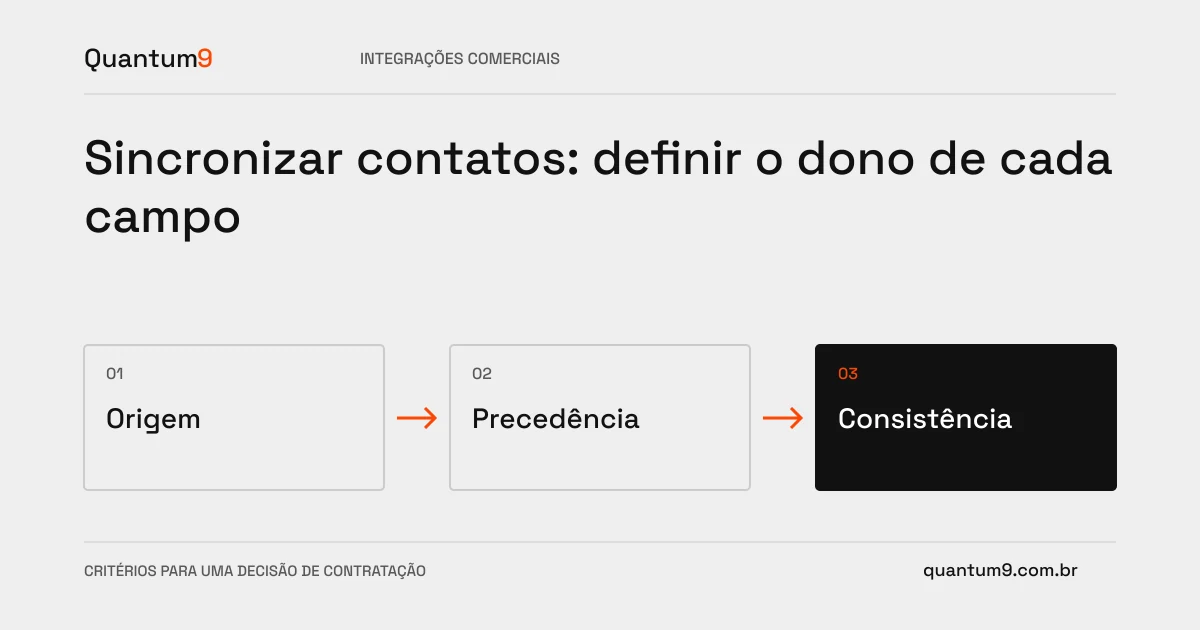
When two systems can change a contact, synchronization needs to define which value takes precedence. Always using the most recent update may replace information validated by an incomplete registration.
How to evaluate this decision
Define authority by field and purpose. CRM can keep the commercial person responsible, while another system controls contractual data. Record the origin and time of changes and treat absence of value differently from intentional deletion. Consider changing companies, multiple emails and external identifiers without assuming perfect correspondence.
Criteria for comparing proposals
- Identity: Choose stable keys and forward ambiguous matches for review.
- Precedence: Documenting which system can create, correct, or clear each field.
- Conflicts: preserve enough evidence to explain disagreements and avoid overwriting cycles.
A scenario to discuss with the supplier
Hypothetical example: a form takes an old phone number and updates the CRM. If the contractual registration has a more recent confirmation, the integration needs to apply the defined rule, not just the order of arrival.
What to validate upon delivery
Test for concurrent changes, empty fields, and merged records. Verify that resyncing does not switch values indefinitely between sources.
Prepare the conversation about the project
Quantum9 can map the data contract between systems. Enter fields, responsible parties and reliable sources to define synchronization that preserves the meaning of the information.
Systems integration · Map the company's priority