
Index
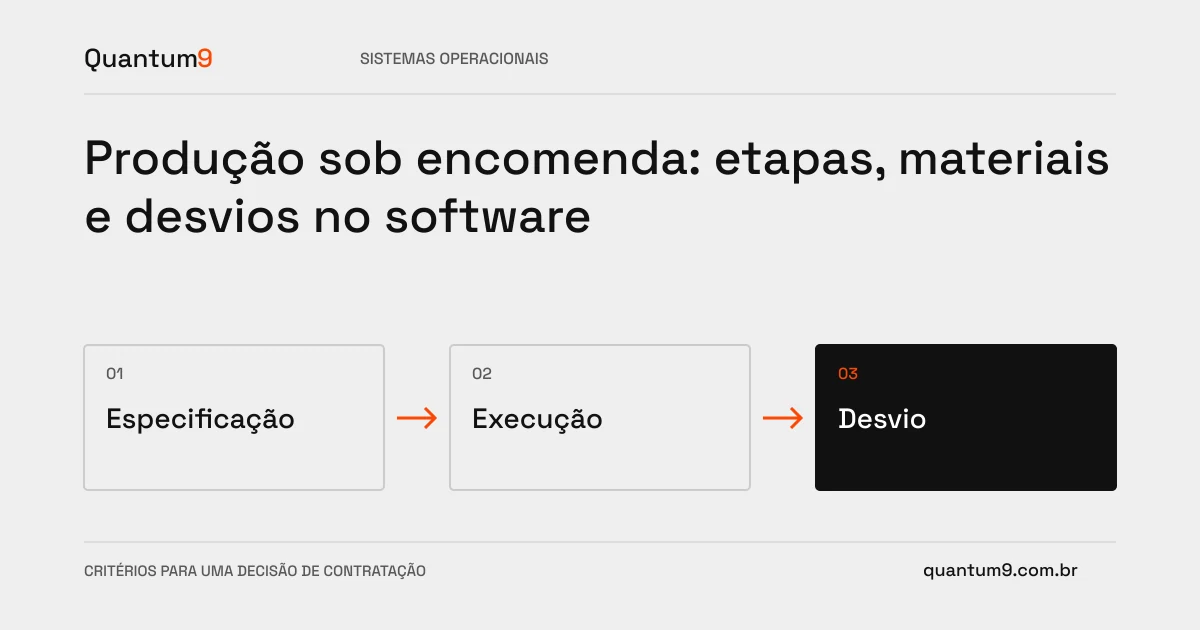
In made-to-order production, each order can have its own configuration and path. Control needs to preserve what was approved and make deviations visible before they compromise delivery.
How to evaluate this decision
List specification, version, materials and steps. A commercial change after the start can affect purchasing, execution and deadline. The software should record this change and your authorization, rather than just updating the order description. Start by monitoring the critical flow and integrate what is already well controlled in existing tools.
Criteria for comparing proposals
- Input: Freeze the version approved for production, keeping subsequent changes trackable.
- Execution: record progress, impediments, materials and need for rework.
- Change: assess impact and obtain responsible decision before releasing a new instruction.
A scenario to discuss with the supplier
Hypothetical example: the customer changes a measurement after purchasing material. The new version must show which steps were affected and whether the order can continue, avoiding contradictory instructions in the operation.
What to validate upon delivery
Simulate a standard order and another changed during execution. Check whether users can find the current version and whether completed steps are still associated with the specification they used.
Prepare the conversation about the project
Bring order models, steps, causes of deviation and connected systems to Quantum9. The scope must define what will be monitored in the new software and what will continue in the existing planning.
Tailor-made systems · Map the company's priority