
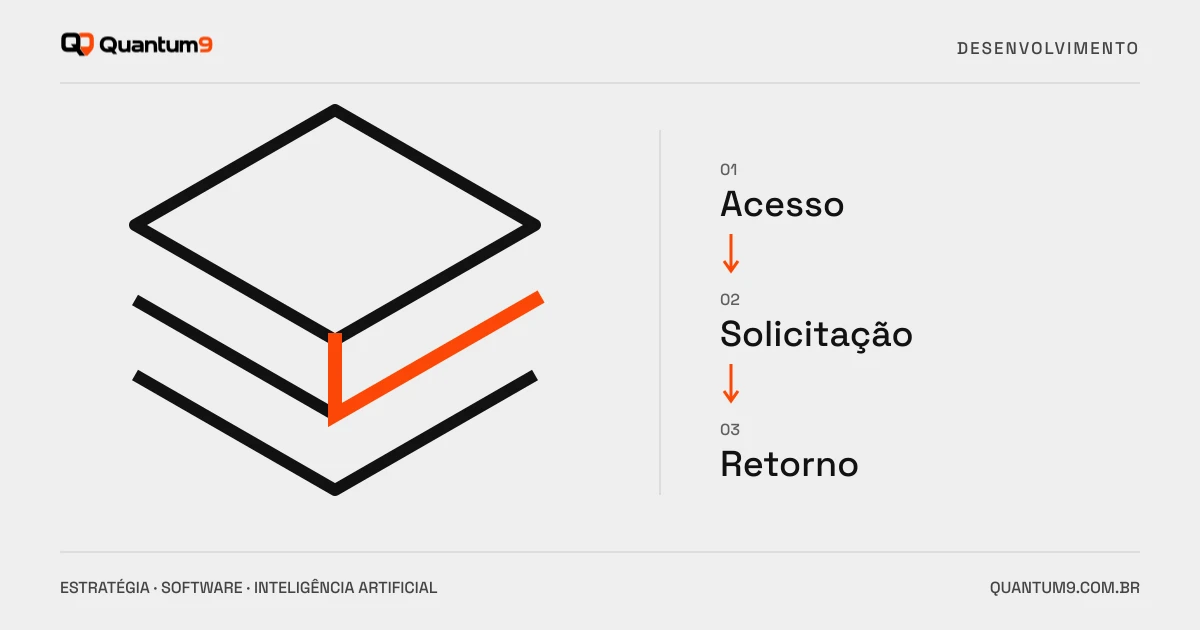
Plan access to documents, requests and tracking in a customer portal with permissions and integration into the operation.
Index
A customer portal should reduce repetitive questions and make a recurring task easier. Publishing a login area without updated information can have the opposite effect: more calls and loss of trust. Choose the first service based on the problem it solves.
Prioritize a complete journey
Requesting a document, tracking a delivery or opening a support request are good candidates when there is already demand. Define the start, the expected return and the responsible team. If the information comes from another system, include this integration in the scope.
A company can have multiple users
Buyer, manager and financier may need different access. Document who invites people, which records each profile consults, and how to revoke access. Don't just use a page's address as a barrier to private documents.
- Access recovery and session closure.
- Notifications without undue exposure of information.
- History of requests and status changes.
- Export or download the necessary documents.
Integration and upgrade are part of the experience
An outdated status can generate more uncertainty than the absence of the portal. Show when the information was updated and what each step means. If the request requires human review, confirm receipt without promising immediate completion.
How to test functional safety
Approval with two companies and different profiles. Check whether changing an identifier in the URL or API call allows you to access data from another account. Also test shared documents, removed users, and old links. The check must include the server, not just browsing.
Development briefing
List the most common service questions, the documents involved and the source systems. Quantum9 can propose a first version connected to the operation. If the portal also receives commercial orders, see the B2B portals guide.