
Index
A company can purchase for several units with different addresses, limits and conditions. The portal needs to allow this operation without mixing authorization, billing and delivery.
How to evaluate this decision
Define the relationship between group, company and purchasing unit. Identify which users can act in each context and when the change requires revalidating the cart. Shared data must have explicit rules; a condition negotiated for one drive should not appear on another due to incorrect caching or binding.
Criteria for comparing proposals
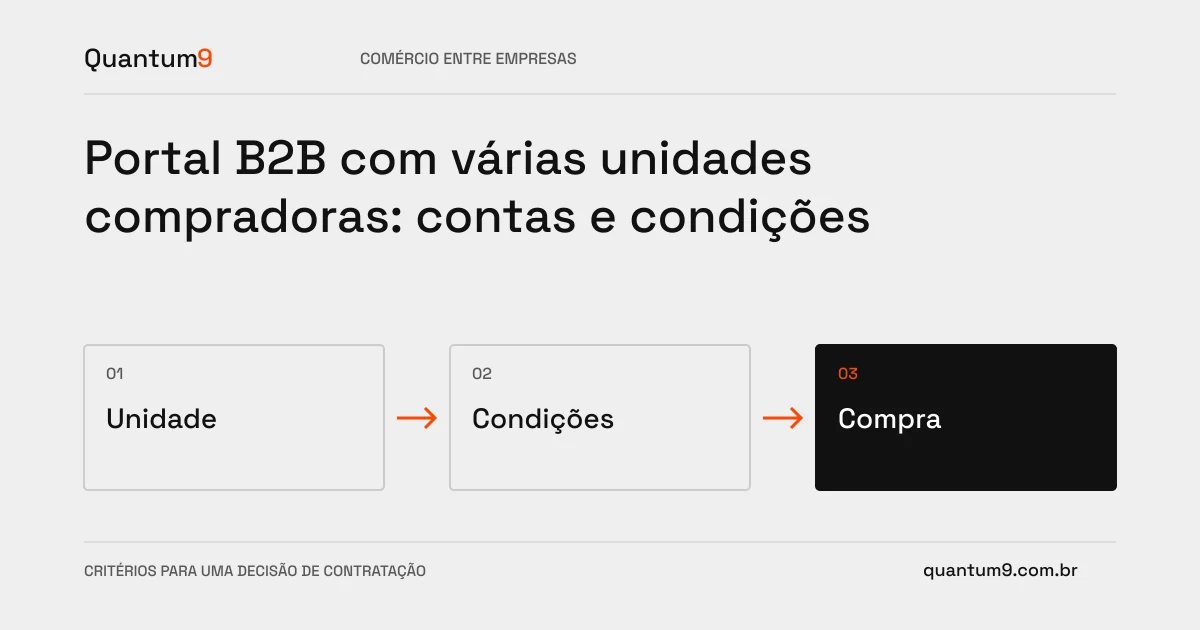
- Context: clearly show in the name of which unit the user is purchasing.
- Conditions: consult price, limit and eligible addresses for the selected unit.
- Request: preserve the purchase context and authorized responsible parties.
A scenario to discuss with the supplier
Hypothetical example: the buyer changes branches with items in the cart. The system needs to recalculate conditions and request verification, instead of maintaining values from the previous unit.
What to validate upon delivery
Test unit change, user with partial access and address disabled. Check both the interface and direct requests to the server.
Prepare the conversation about the project
Quantum9 can model accounts and integrate business registrations. Bring buyer structure and rules per unit to build a consistent journey with the ERP.
B2B e-commerce · Map the company's priority