
Index
Displaying ERP pricing requires more than consulting a table. Customer, unit, quantity and validity may change the commercial condition presented on the portal.
How to evaluate this decision
Define which rules are calculated in the ERP and which belong to the portal. Avoid maintaining two divergent implementations of the same discount. Record the condition applied to the request and the time of consultation. If the price changes between cart and confirmation, the journey needs to explain the difference and request new acceptance when necessary.
Criteria for comparing proposals
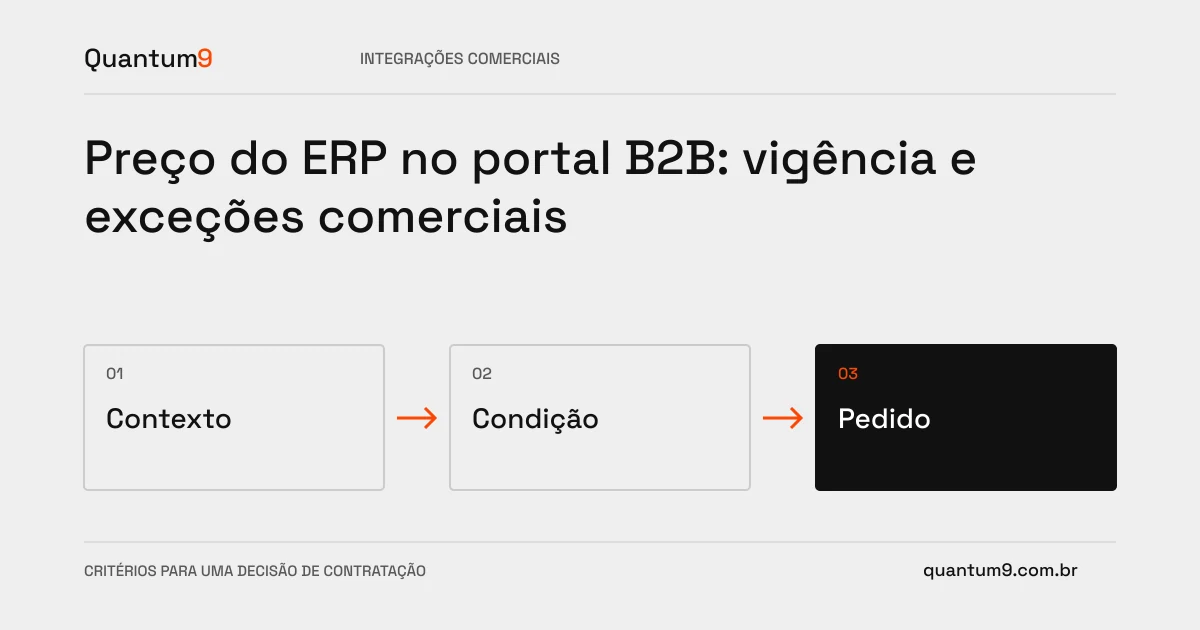
- Context: Send sufficient identifiers and quantities to determine the correct condition.
- Update: Set cache validity and behavior when official query fails.
- Order: preserve the accepted composition and check the condition before completing the purchase.
A scenario to discuss with the supplier
Hypothetical example: a promotional table ends while the buyer keeps the cart open. The portal should recalculate and report the change, rather than promising a value that the ERP will refuse.
What to validate upon delivery
Test customers with different tables, quantity ranges and changes in validity. Compare the order received by the ERP with the value presented and accepted on the portal.
Prepare the conversation about the project
Bring Quantum9 business rules, available APIs and examples of exceptions. The proposal must explain the source of the calculation, tolerance for unavailability and reconciliation of requests.
Systems integration · Map the company's priority