
Index
A portal reduces status questions by showing what has been received, what is missing and who is handling the demand. Simply making a form available can transfer service to another channel without improving the experience.
How to evaluate this decision
Choose categories that the customer understands and ask for only the data necessary to forward the request. Separate internal states from useful information for the public. A technical step can be translated into a clear explanation without exposing operational details. Also define how conversations via other channels enter the same history.
Criteria for comparing proposals
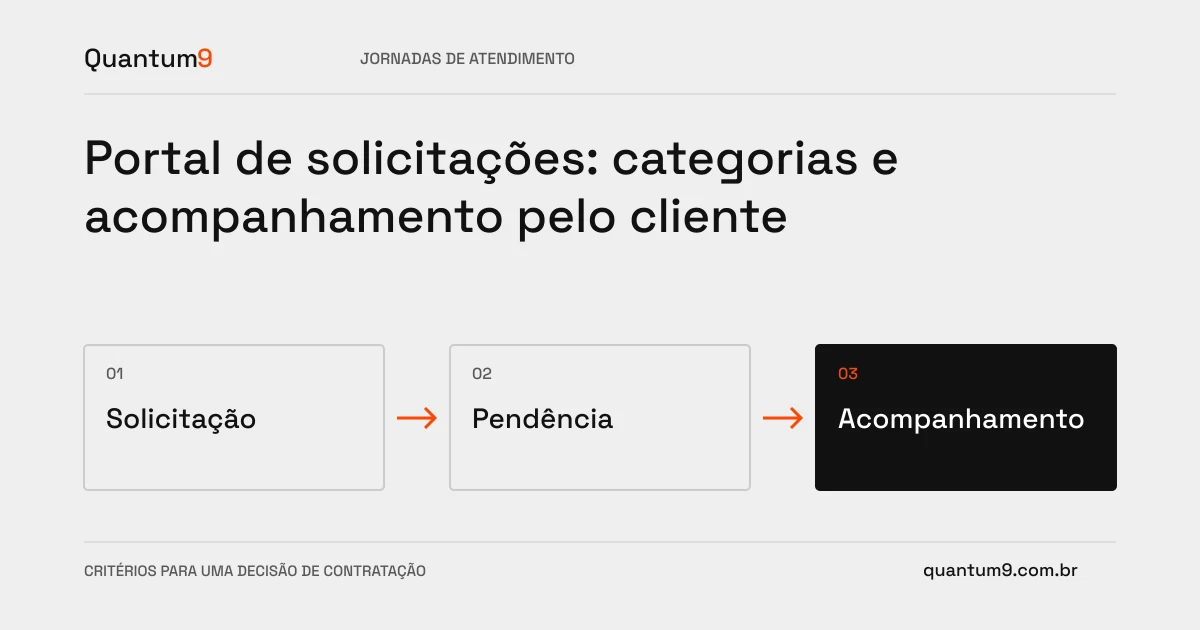
- Opening: orient attachments and information by category, preserving the filling when there is an error.
- Monitoring: show pending issues and relevant updates, with next action for each state.
- Access: restrict requests by person or company according to product policy.
A scenario to discuss with the supplier
Hypothetical example: support returns a request due to lack of information. The portal must highlight what needs to be completed and allow a response in the same record, avoiding another duplicate request.
What to validate upon delivery
Test incomplete opening, response, attachment and query by user of another account. Check that notifications lead to the correct record and that the customer can understand the pending issue without help.
Prepare the conversation about the project
Take to Quantum9 categories, frequently asked questions and current customer service tool. The first cut can cover the most common requests and connect the portal to the queue already used by the team.
Conversational commerce · Map the company's priority