
Index
A multi-company dashboard needs to reconcile a consolidated view and restricted access. Filtering the screen by the selected company is not enough to ensure that a user does not query data from another organization.
How to evaluate this decision
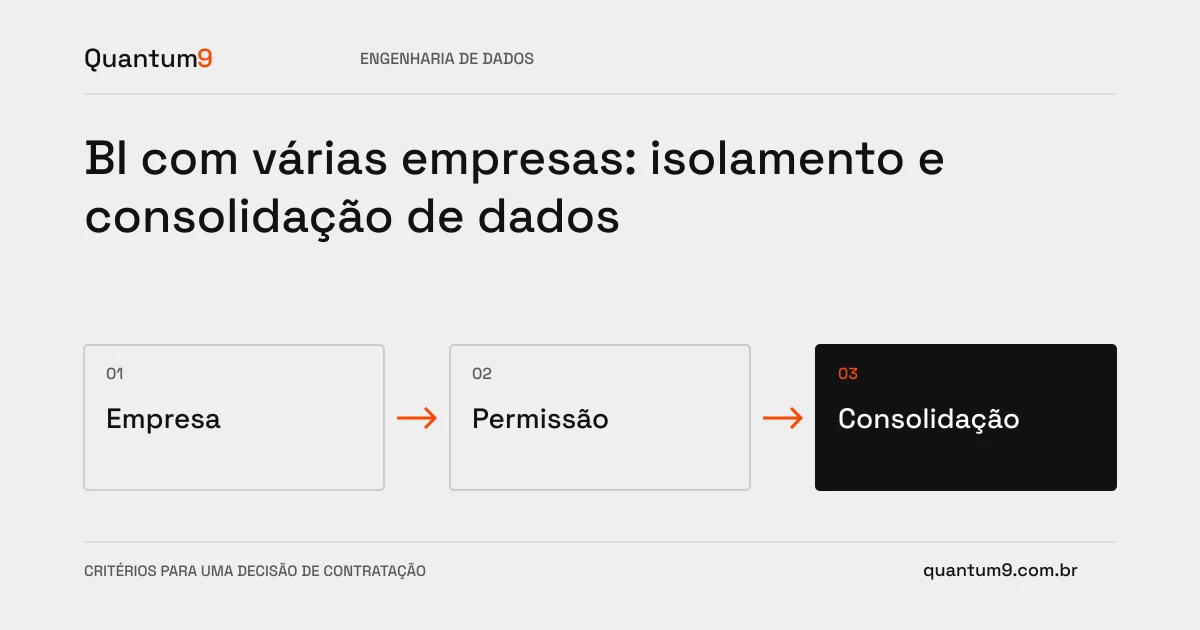
Model the link between user, company and role. Define who can consolidate and how shared records will be interpreted. Same local identifiers at different companies must not clash. Authorization needs to accompany queries, exports and alternative access paths, in addition to the main navigation.
Criteria for comparing proposals
- Separation: identify the company in each record and validate links in transformations.
- Consolidation: Document currencies, calendars, and classifications that need alignment.
- Access: Apply rules to the appropriate data engine and test exports and shares.
A scenario to discuss with the supplier
Hypothetical example: two companies use customer code 100. A join using just this code can mix sales and contacts. The key needs to include the business context.
What to validate upon delivery
Test users with one company, multiple companies, and revoked access. Check direct queries and exports, in addition to the report's visual filters.
Prepare the conversation about the project
Quantum9 can design the model and access controls. Inform corporate or operational structure, audiences and consolidation needs to separate governance from presentation.
Data engineering · Map the company's priority