
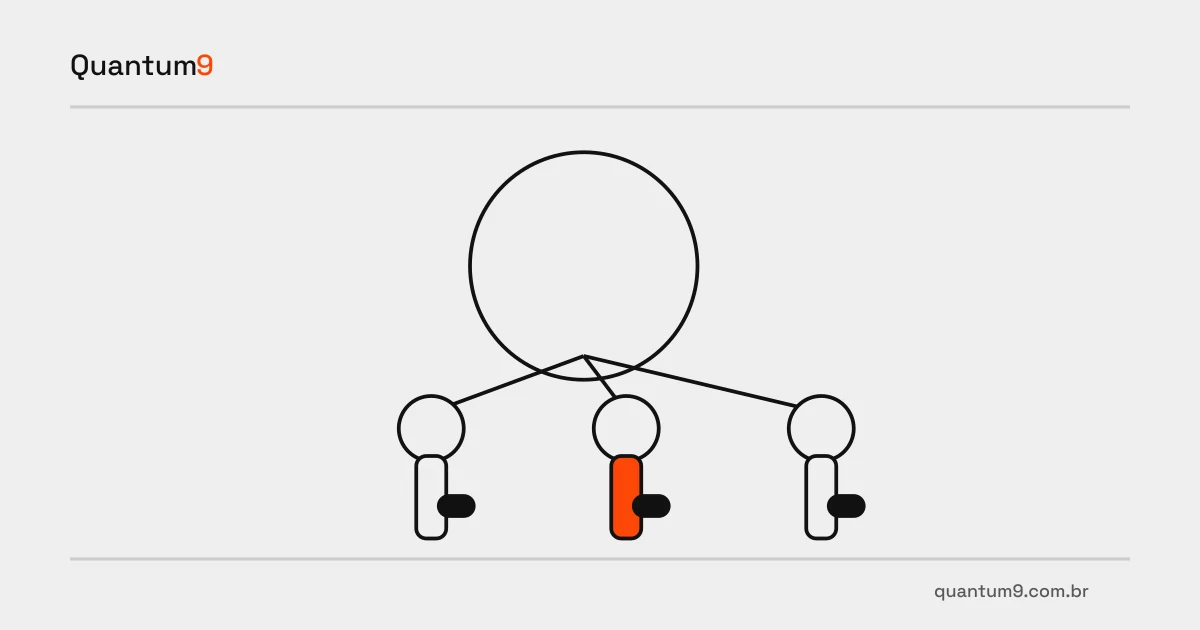
Connect hiring confirmation to authorized IT and equipment tasks without copying the complete employee record.
Index
HR confirms a new hire, but IT and operations receive information through separate messages. Integration with the Senior environment can organize the start of work when the project distinguishes personnel data, access authorization and equipment delivery. Each team needs only the information required for its task.
Hiring does not authorize every access
Map which data confirms the hire and which rules determine permissions: role, business unit, manager and start date serve different purposes. Do not simply copy the complete personnel record into a ticketing tool. Check the Senior product in use, available interfaces and who can authorize sharing each field.
Automating task creation may be enough for the first release. Account provisioning also requires approvals and revocation handling. Separating these deliveries lets you validate the process before allowing a personnel event to change access automatically.
Coordinate HR and IT work
- Define the eligible event, execution date and owner for correcting an amended or postponed hire.
- Specify one task per resource, with state and completion evidence, rather than one broad ticket without clear ownership.
- Limit transmitted fields and visibility of pending work; personnel data should not become public ticket details.
Test a changed start date
In a hypothetical example, the start date changes after tasks have been created. Acceptance must show which activities are rescheduled, which completed tasks require review and how the manager tracks the change. Also test repeated events and a unit with no configured workflow. The outcome should be a traceable issue, without extra accounts or duplicate tasks.
Reference for assessing scope
Senior platform and developer documentation
Prepare your project with Quantum9
Share the current hiring workflow, access systems and equipment list by role with Quantum9. The initial scope can organize tasks without prematurely automating permission changes.