
Index
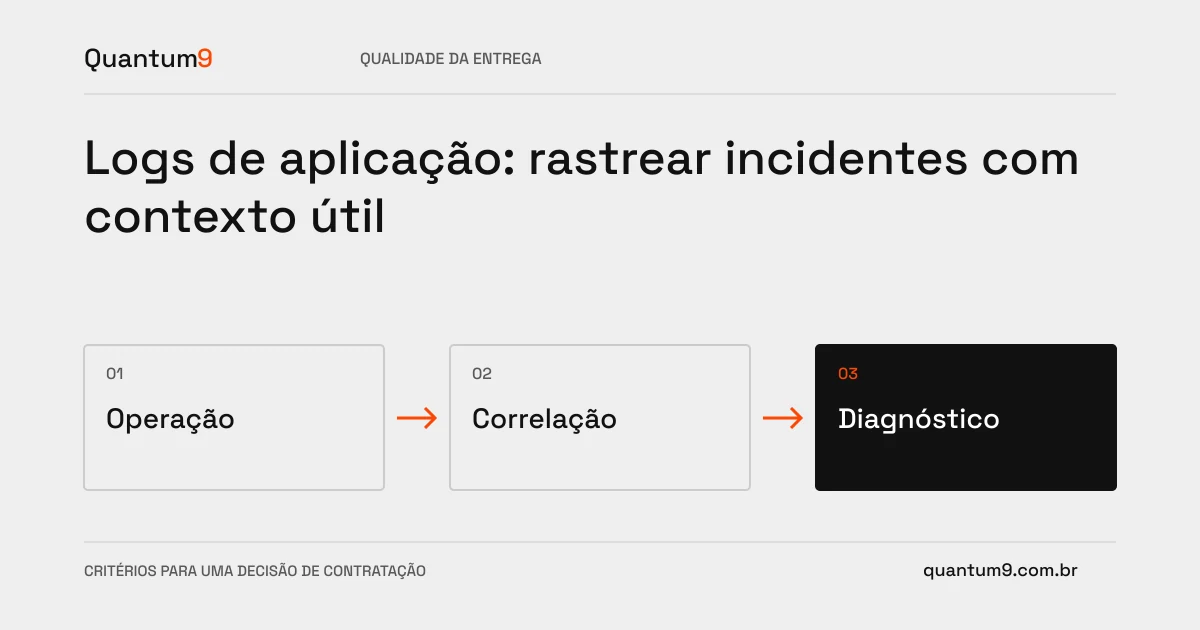
Useful logs allow you to relate a failure to the affected operation. Logging loose messages or the entire content of requests can produce a lot of volume without facilitating diagnosis.
How to evaluate this decision
Define correlation identifiers and relevant events per journey. Separate operational, error and audit information, as they have different purposes and controls. Record enough context to investigate without exposing unnecessary passwords, tokens, or documents. Retention needs to balance usage, cost, and internal rules.
Criteria for comparing proposals
- Correlation: linking steps and services to the same operation identifier.
- Quality: record known cause, stage and result in a consistent format.
- Protection: filter sensitive data and restrict consultation to authorized managers.
A scenario to discuss with the supplier
Hypothetical example: Customer reports an incomplete import. An identifier displayed in the interface can allow you to locate your steps and failures without copying the entire file to the log system.
What to validate upon delivery
Replay a test incident and ask the team to investigate it using the logs. Check if there is enough information and if data that should be protected has been deleted.
Prepare the conversation about the project
Quantum9 can instrument journeys and improve diagnosis. Bring frequent incidents and current tools to define records that support actions, not just message storage.
Software engineering and quality · Map the company's priority