
Define account, branch and contact roles when commissioning a commercial integration with HubSpot.
Index
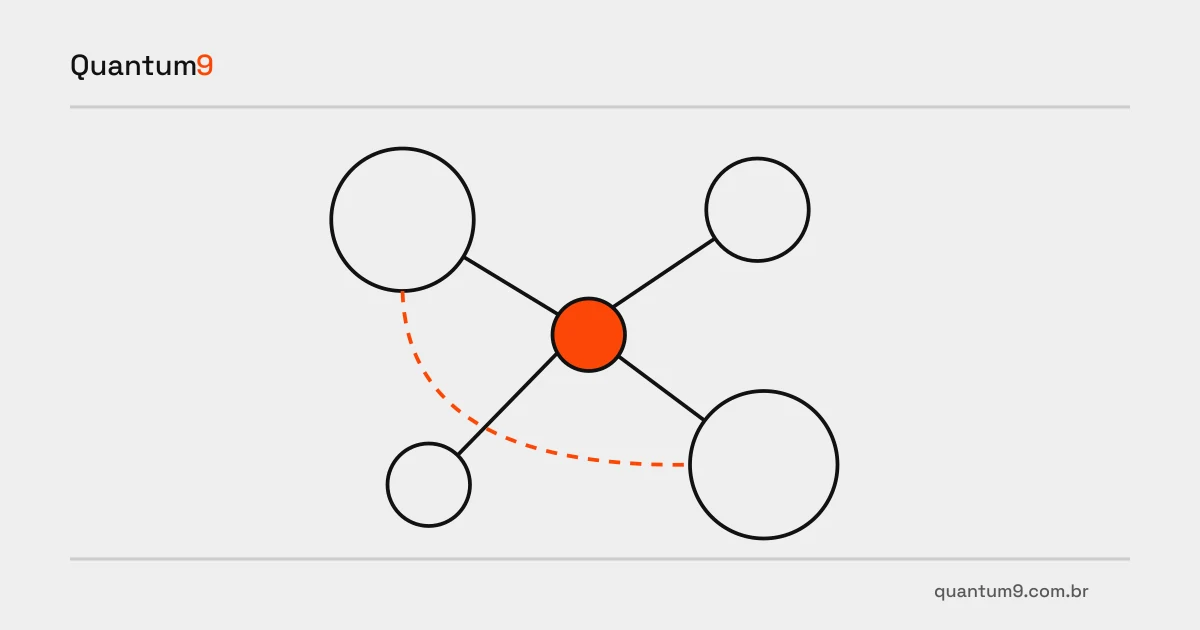
One contact may buy for one branch and participate in another branch’s negotiation. A HubSpot integration must represent these relationships without creating a new person for every order. A person’s record and their role in a purchase are different pieces of information.
Association design comes before fields
Map the group, buying company, served unit and negotiation participants. Determine which relationship represents responsibility, influence or communication delivery. If the external system knows only the group, integration must not arbitrarily choose a branch to fill a required field.
A simple association may suffice when each contact serves one company. More complex relationships require validation of the model available in the HubSpot account and authorized API. Compare this with recording the branch on a deal; do not multiply companies or contacts simply to simplify reporting.
Deliverables for commissioning the change
- A relationship map with anonymized real examples, including buyers who change roles or serve two units.
- A matching rule preserving existing contacts and recording the origin of new associations.
- A visibility review explaining which teams can access other branches’ context and which fields remain internal.
Test a responsibility transfer
In a hypothetical example, a buyer stops serving one branch but remains involved in another negotiation. Acceptance must update or remove the correct relationship without deleting the person or their history. Check activities, deals and recipients after the change. API documentation guides available operations; the commercial rule must be validated by account owners.
Reference for assessing scope
Official HubSpot API reference
Prepare your project with Quantum9
Show Quantum9 how your branches purchase and who participates in each negotiation. Work can begin by correcting relationships while keeping the CRM as the source of business relationship data.