
Index
Shutting down a system requires knowing what still depends on it. Historical data, integrations, and occasional queries may continue to be needed even after the core operation has migrated.
How to evaluate this decision
Inventory consumers, scheduled tasks, files, and company-defined retention obligations. Differentiate between maintaining historical query and continuing to run the entire system. Plan usable export and integrity check. Termination of accounts and services must occur after confirming that the alternative covers the necessary uses.
Criteria for comparing proposals
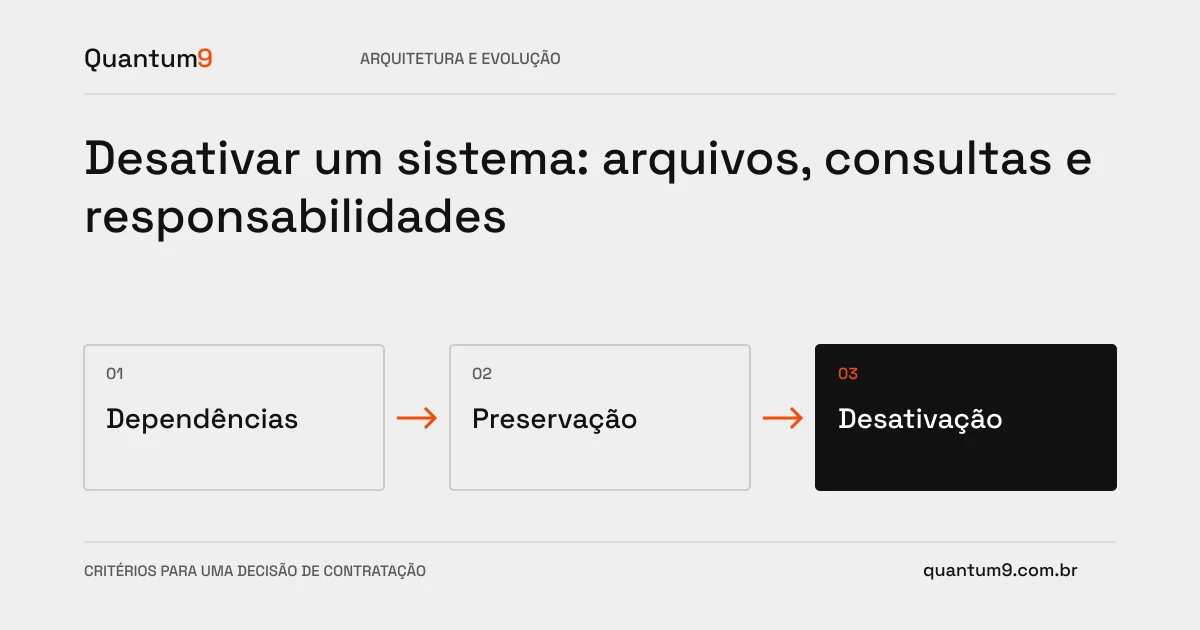
- Dependencies: identify people and systems that still query or send data.
- History: define format, access and interpretation of preserved material.
- Closing: assign those responsible for termination, revocation and verification of recurring charges.
A scenario to discuss with the supplier
Hypothetical example: the registration was migrated, but attachments remain accessible only through the old system. Turning it off before transferring and testing these files leaves part of the operation unavailable.
What to validate upon delivery
Run historical queries and exception journeys on the prepared alternative. Monitor remaining dependencies and register the termination decision with those responsible.
Prepare the conversation about the project
Quantum9 can plan technical retirement and access preservation. Bring inventory, integrations, and approved retention rules to define a verifiable close.
Software architecture · Map the company's priority