
Index
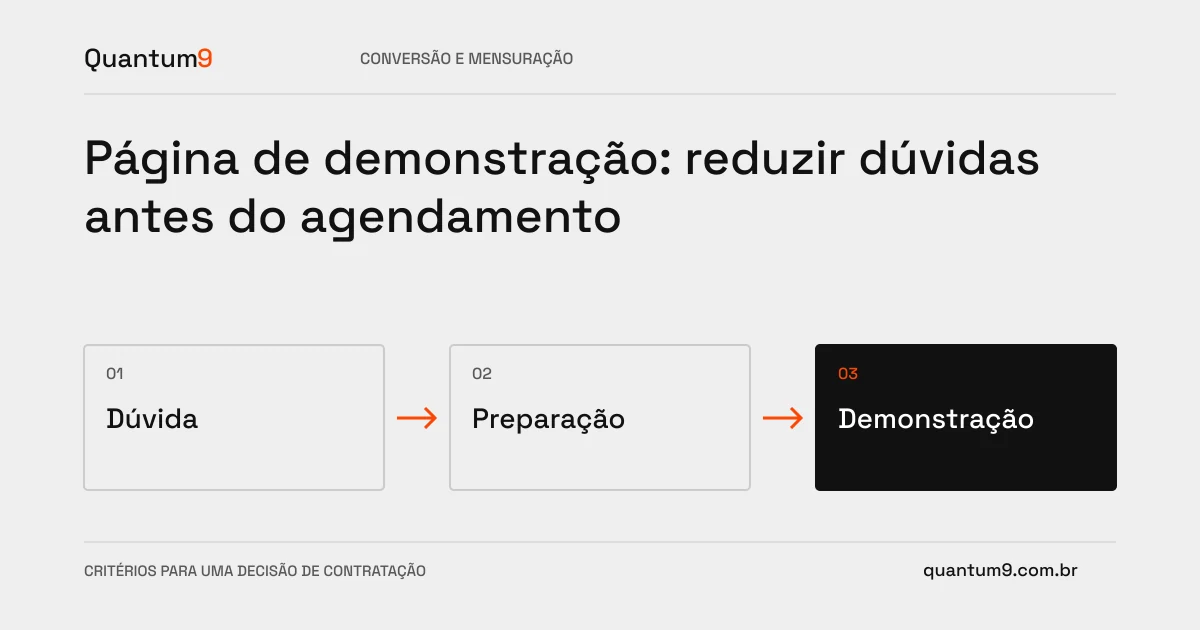
Anyone requesting a demo wants to know if they will see something relevant to their problem. A scheduling page should explain content, preparation and next steps, avoiding a vague promise of a commercial presentation.
How to evaluate this decision
Define which scenarios the demo covers and who should participate. Only ask for information that helps tailor the conversation. If the solution requires prior analysis, explain this step instead of presenting any request as a confirmed appointment. Integrate calendar and CRM when it makes sense, maintaining an alternative for unavailable times and loading problems.
Criteria for comparing proposals
- Expectation: indicate what will be demonstrated and which issues depend on further evaluation.
- Form: collect scenario and participants without requiring unknown technical information.
- Continuity: confirm receipt, time when applicable and channel for adjustments.
A scenario to discuss with the supplier
Hypothetical example: a company needs to validate integration with its ERP. The page informs that the meeting maps the need and that compatibility will be analyzed, avoiding presenting the demonstration as advance proof of ready integration.
What to validate upon delivery
Test scheduling, unavailability and change. Measure attendance and appropriateness of conversations, not just calendar clicks.
Prepare the conversation about the project
Quantum9 can redesign this journey and its integrations. Bring frequent objections, sales process and tools used to transform the page into useful preparation for the business conversation.
Conversion Optimization · Map the company's priority