
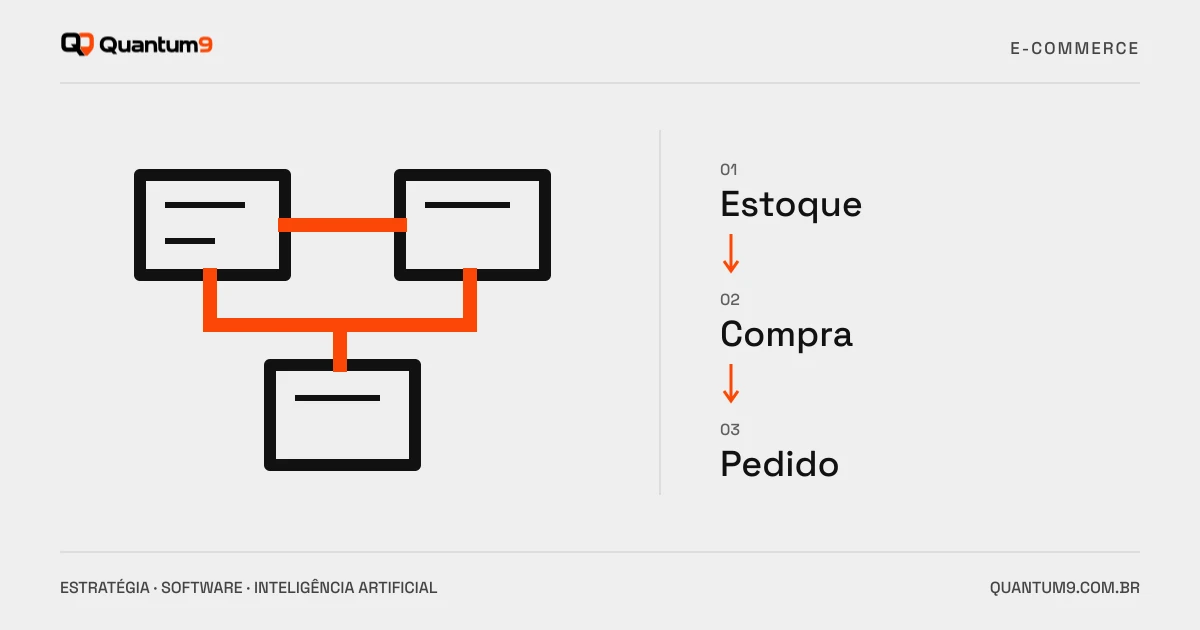
Plan inventory, prices, orders and returns in the e-commerce integration with ERP before contracting the implementation.
Index
A store can sell well and still create problems if stock, price and orders do not keep up with the operation. ERP integration needs to establish which system is responsible for each data and when a sale becomes a reservation, an order or an invoice.
Map identifiers before syncing
Product, variation, packaging, and unit of measure need to match across systems. Visually similar code does not guarantee equivalence. Document rules for kits, inactive products, and multiple warehouses. These details affect order availability and calculation.
Define what the customer can see
Available stock, physical balance and reserved quantity may be different. The portal must reflect the chosen business rule, with allowance for synchronization delay. If confirmation depends on the ERP, the message to the buyer needs to make this clear.
- Official source of prices and promotions.
- Reservation and release of stock in case of cancellations.
- Update payment and billing status.
- Returns, exchanges and partially fulfilled orders.
Test competitive situations
Two purchases of the last item, price change during the session and ERP unavailability are useful scenarios for approval. Confirm that repeating a message does not duplicate the order. The team must be able to identify a failure and resume the flow without manually editing the database.
Compare connectors through the complete process
A list of supported systems does not demonstrate coverage of your operation rules. Ask for an example with your flow and clarify who maintains each end. Consider platform, connector, deployment, and support fees before deciding on customization.
Prepare the project
Gather anonymized catalogue, stock rules and orders with exceptions. Quantum9 can evaluate the integration and organize approval. For sales with tables by customer and representatives, see the requirements of a B2B portal.